VPN Client Setup
VPN Client setup for developers
- Sign in at AWS Access Portal
-
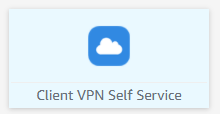
Click the Client VPN Self Service application.
-
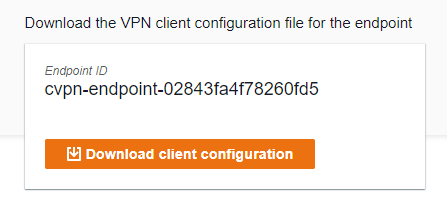
Download the Client Configuration
-
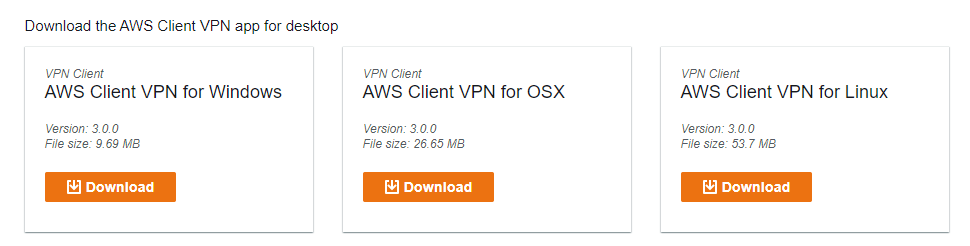
Download the AWS VPN Client desktop application for your operating system.
-
Connect using AWS VPN Client
Steps:
- Launch the AWS Client VPN application
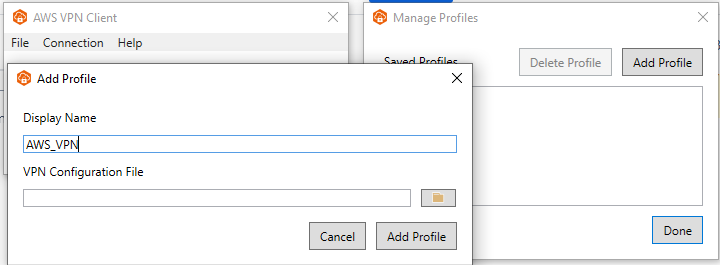
- From the menu, select File → Manage Profiles → Add Profile
- Enter a profile name
-
Select the Client VPN configuration file downloaded in step 3